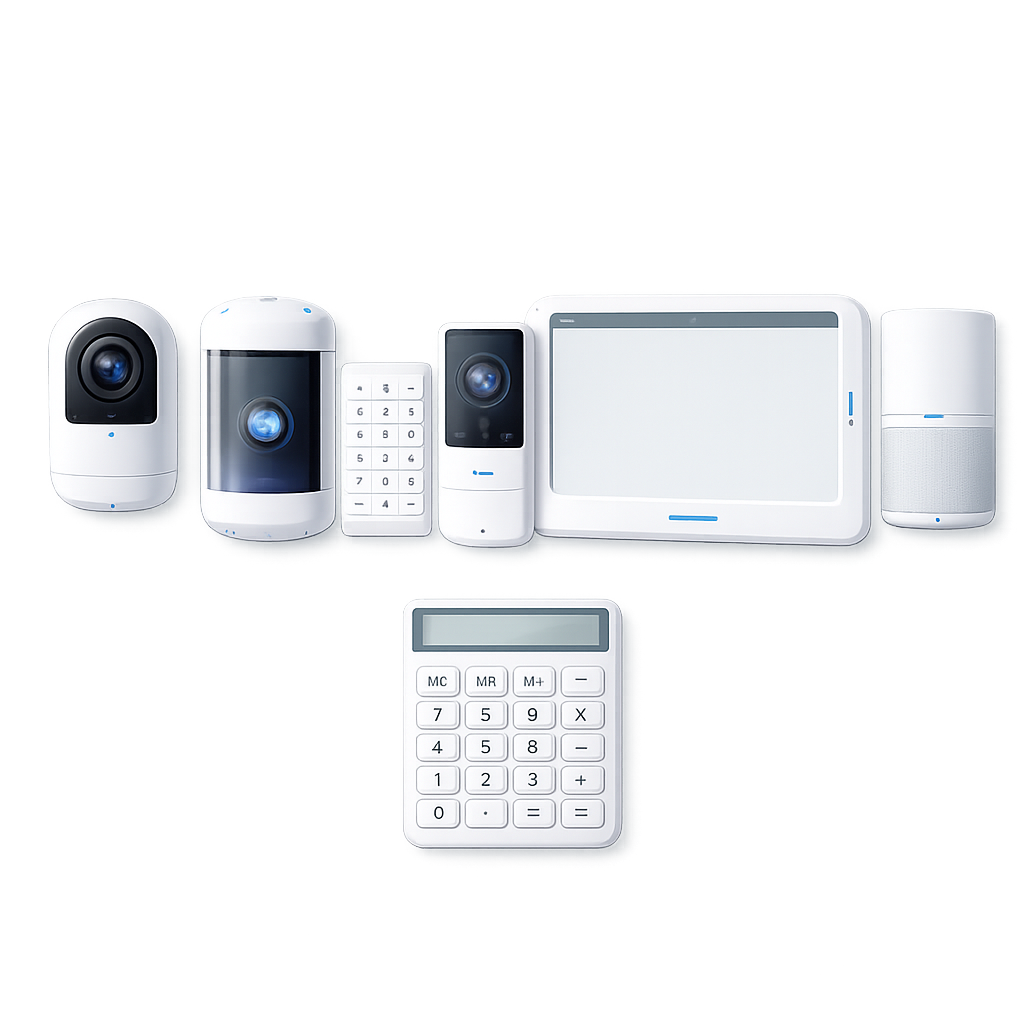
We’ll guide the visitor through the same calculator fields in a simpler format. Answers appear below in your summary as they’re selected, and the report unlocks when the interview is complete.
Property Basics
What type of home are you securing?
Choose the closest match for the property.
Current answer: Not answered
Property Basics
Do you own or rent this property?
This helps frame the recommended setup and installation path.
Current answer: Not answered
Property Basics
What is the approximate square footage?
Enter a rough number. This can be an estimate.
Current answer: Not answered
Project Timing
When are you looking to get started?
Choose the timing that best fits the project.
Current answer: Not answered
Core Package
What system package would you like?
This replaces the Core Package dropdown with simple choices.
Current answer: Not answered
Core Package
What installation style do you prefer?
Choose the install path that fits the property and comfort level.
Current answer: Not answered
Core Package
How would you like the system monitored?
Choose the monitoring preference that fits your plan.
Current answer: Not answered
Video & Entry Coverage
How much video and entry coverage would you like?
Choose a preset first, then fine-tune the device counts in the next questions.
Current answer: Not answered
Video & Entry Coverage
How many indoor cameras would you like?
Choose the quantity that fits the interior coverage you want.
Current answer: Not answered
Video & Entry Coverage
How many outdoor cameras would you like?
Use this for exterior walls, corners, driveways, or backyard coverage.
Current answer: Not answered
Video & Entry Coverage
Would you like a video doorbell?
Choose the quantity for the main entry points you want covered.
Current answer: Not answered
Entry & Intrusion Protection
How much intrusion protection would you like?
Choose a preset first, then fine-tune the related device counts below.
Current answer: Not answered
Entry & Intrusion Protection
How many smart locks would you like?
Count the entry doors where smart lock access would be useful.
Current answer: Not answered
Entry & Intrusion Protection
How many window sensors would you like?
Choose the number of windows you want included in the plan.
Current answer: Not answered
Entry & Intrusion Protection
How many motion sensors would you like?
Use these to cover hallways, open areas, and key traffic paths.
Current answer: Not answered
Entry & Intrusion Protection
How many glass break sensors would you like?
Helpful for larger windows and rooms with multiple panes.
Current answer: Not answered
Life Safety & Control
How much life safety coverage would you like?
Choose a preset first, then confirm the detector and keypad counts.
Current answer: Not answered
Life Safety & Control
How many smoke / CO detectors would you like?
Choose the number that fits the levels and sleeping areas of the property.
Current answer: Not answered
Life Safety & Control
How many keypads would you like?
Add a keypad when you want easier control near key entry points.
Current answer: Not answered
Contact Details
What is the visitor’s first name?
This is required to generate the report.
Current answer: Not answered
Contact Details
What is the visitor’s last name?
This is required to generate the report.
Current answer: Not answered
Contact Details
What is the visitor’s email address?
This is required and is used in the current report flow.
Current answer: Not answered
Contact Details
What is the visitor’s phone number?
This is required to complete the report request.
Current answer: Not answered
Property Address
What is the street address?
Start typing and choose a suggestion to auto-fill the rest of the location fields.
Current answer: Not answered
Property Address
What city is the property in?
This may already be known if the address autocomplete filled it in.
Current answer: Not answered
Property Address
What state is the property in?
Use the state abbreviation when possible.
Current answer: Not answered
Property Address
What is the ZIP code?
This may already be known from the address selection.
Current answer: Not answered
Property Address
What country is the property in?
This usually fills automatically after selecting the address.
Current answer: Not answered